Visual design
Colour palette Font IconsLanguage guidelines
Language & grammar Date & time formats Address formats TerminologyColour palette
Our colour palette stems off the Damstra branding guidelines, expanding the colour palette to ensure we have all colours required for our system UI.
All colours have been checked against web accessibility contrast standards .
For each swatch, the font colour indicates whether the base font colour should be used or white.
Damstra core brand colours
These core brand colours are set in Damstra's brand guidelines. In the UI, we use tints of these as accent and header colours.
- Brand one
- 50% lighter
- 80% lighter
- Brand two
- 20% lighter
- 50% darker
- 40% darker
- 35% darker
- 10% darker
- Brand three
- 30% lighter
- Brand four
- 30% lighter
- 38% lighter
- 40% lighter
- 43% lighter
Usage
| Color swatch | UI usage | SASS variable |
|---|---|---|
|
Brand one 50% lighter
|
Damstra Hub worksite user product accent colour | header-menu-bg |
|
Brand one 80% lighter
|
Damstra Swift product accent colour | lite-header-menu-bg |
|
Brand two 20% lighter
|
Damstra Hub company user product accent colour | company-header-menu-bg |
| Input focus border and box shadow | input-focus-brd | |
|
Brand three 50% darker
|
Main menu collapse button background | n/a |
|
Brand three 40% darker
|
Header colour | header-cl |
| Main menu start of gradient background | menu-bg | |
|
Brand three 35% darker
|
Flyout menu start of gradient background | site-nav-sec-bg |
| Hover background for main menu items | header-menu-hover-bg | |
|
Brand three 10% darker
|
Lightest brand colour for text that can be used on white | brand-text-on-white |
|
Brand three
|
Lightest brand colour for text that can be used on black | brand-text-on-black |
|
Brand three 30% lighter
|
Damstra Hub employee user product accent colour | employee-header-menu-bg |
|
Brand four 30% lighter
|
Text highlight colour | text-highlight-cl |
| Selected item border | selected-brd | |
|
Brand four 38% lighter
|
Selected item background | selected-bg |
|
Brand four 43% lighter
|
Selectable item hover background | selectable-bg |
Neutrals
- 10% darker
- Greyscale
- 24% lighter
- 50% lighter
- 60% lighter
- 67% lighter
- 70% lighter
- 73% lighter
- 76% lighter
- Shading - darker
- Shading - lighter
- Line colour
Usage
| Color swatch | UI usage | SASS variable |
|---|---|---|
|
Greyscale 10% darker
|
Body copy color | body-cl |
| Input color | input-cl | |
| Primary button color | btn-prm-cl | |
| Secondary button color | btn-sec-cl | |
|
Greyscale
|
Tooltip background | tooltip-bg |
|
Greyscale 24% lighter
|
Form label color | label-cl |
| Table header color | label-cl | |
| Dl list dt color | label-cl | |
| Page intros color | page-intro-cl | |
| Tooltip trigger color | tooltip-trigger-cl | |
| Input placeholder color | input-placeholder-cl | |
| Disabled input color | input-disabled-cl | |
|
Greyscale 50% lighter
|
Inactive items in a key | inactive-cl |
|
Greyscale 67% lighter
|
Secondary button border | btn-sec-brd |
| Secondary button hover border | btn-sec-brd-hover | |
|
Greyscale 70% lighter
|
Input borders | input-brd |
| Progress bar background | progress-bg | |
|
Greyscale 73% lighter
|
Secondary button hover background | btn-sec-bg-hover |
|
Greyscale 76% lighter
|
Secondary button background | btn-sec-bg |
| Disabled input background | input-disabled-bg | |
|
Shading - darker
|
Modal header background | modal-header-bg |
| Accordion header background | accordion-header-bg |
Semantic colours
Semantic colours have specific meaning within the Damstra UI and should never be used for accent colours or decoration.
- 10% darker
- Red
- 35% lighter
- 40% lighter
- 10% darker
- Orange
- 37% lighter
- 10% darker
- 5% darker
- Green
- 20% lighter
- 30% lighter
- 45% lighter
- 30% darker
- 20% darker
- Info
- 10% lighter
- 20% lighter
- 30% lighter
- 32% lighter
| Color swatch | UI usage | Meaning | SASS variable |
|---|---|---|---|
|
Red
|
Used for errors, danger buttons etc. | Draw user's attention to things that are stopping them proceeding or warn them they are about to perform actions that will have a negative effect | danger-cl |
|
Orange
|
Used for warning messages | Draw user's attention to any important, potentially negative informational messages | warning-cl |
|
Green
|
Used for primary actions, success messages etc. | Draw user's attention to how to proceed through their task or that their actions have been successful | success-cl |
|
Info
|
Used for helpful info, additional explanations etc. | Highlight information that may be helpful to the user as they move through their tasks | info-cl |
Usage
| Color swatch | UI usage | SASS variable |
|---|---|---|
|
Red 10% darker
|
Danger button border | btn-dngr-brd |
| Danger button hover background | btn-dngr-bg-hover | |
| Danger button hover border | btn-dngr-brd-hover | |
|
Red
|
Danger button background | btn-dngr-bg |
| Danger alert border | danger-alert-brd | |
|
Red 35% lighter
|
Danger alert background | danger-alert-bg |
| Color swatch | UI usage | SASS variable |
|---|---|---|
|
Orange
|
Warning alert border | warning-alert-brd |
|
Orange 37% lighter
|
Warning alert background | warning-alert-bg |
| Color swatch | UI usage | SASS variable |
|---|---|---|
|
Green 10% darker
|
Primary button border | btn-prm-brd |
| Primary button hover background | btn-prm-bg-hover | |
| Primary button hover border | btn-prm-brd-hover | |
| Switch on border | switch-on-brd | |
|
Green 5% darker
|
Primary button background | btn-prm-bg |
| Switch on background | switch-on-bg |
| Color swatch | UI usage | SASS variable |
|---|---|---|
|
Info
|
Info alert border | info-alert-brd |
|
Info 32% lighter
|
Info alert background | info-alert-bg |
Additional accent colours
Additional accent colours should be used sparingly but can be used when further variation in accent colours are required.
- Purple
- 30% lighter
- 10% darker
- Yellow
- 30% lighter
Font
Primary font - Monorale
Our primary font Monorale.
| Weight | Examples | Usage |
|---|---|---|
| Bold |
abcdefghijklmnopqrstuvwxyz ABCDEFGHIJKLMNOPQRSTUVWXYZ 1235468790 |
Headings, call outs, text emphasis |
| Regular |
abcdefghijklmnopqrstuvwxyz ABCDEFGHIJKLMNOPQRSTUVWXYZ 1235468790 |
Body copy, large paragraphs of text, text at small sizes |
Secondary font - Arial
Our secondary font Arial, and should only be used when Monorale is unavailable and when it is absolutely necessary.
| Weight | Examples | Usage |
|---|---|---|
| Bold |
abcdefghijklmnopqrstuvwxyz ABCDEFGHIJKLMNOPQRSTUVWXYZ 1235468790 |
Headings, call outs, text emphasis |
| Regular |
abcdefghijklmnopqrstuvwxyz ABCDEFGHIJKLMNOPQRSTUVWXYZ 1235468790 |
Body copy, large paragraphs of text, text at small sizes |
Icons
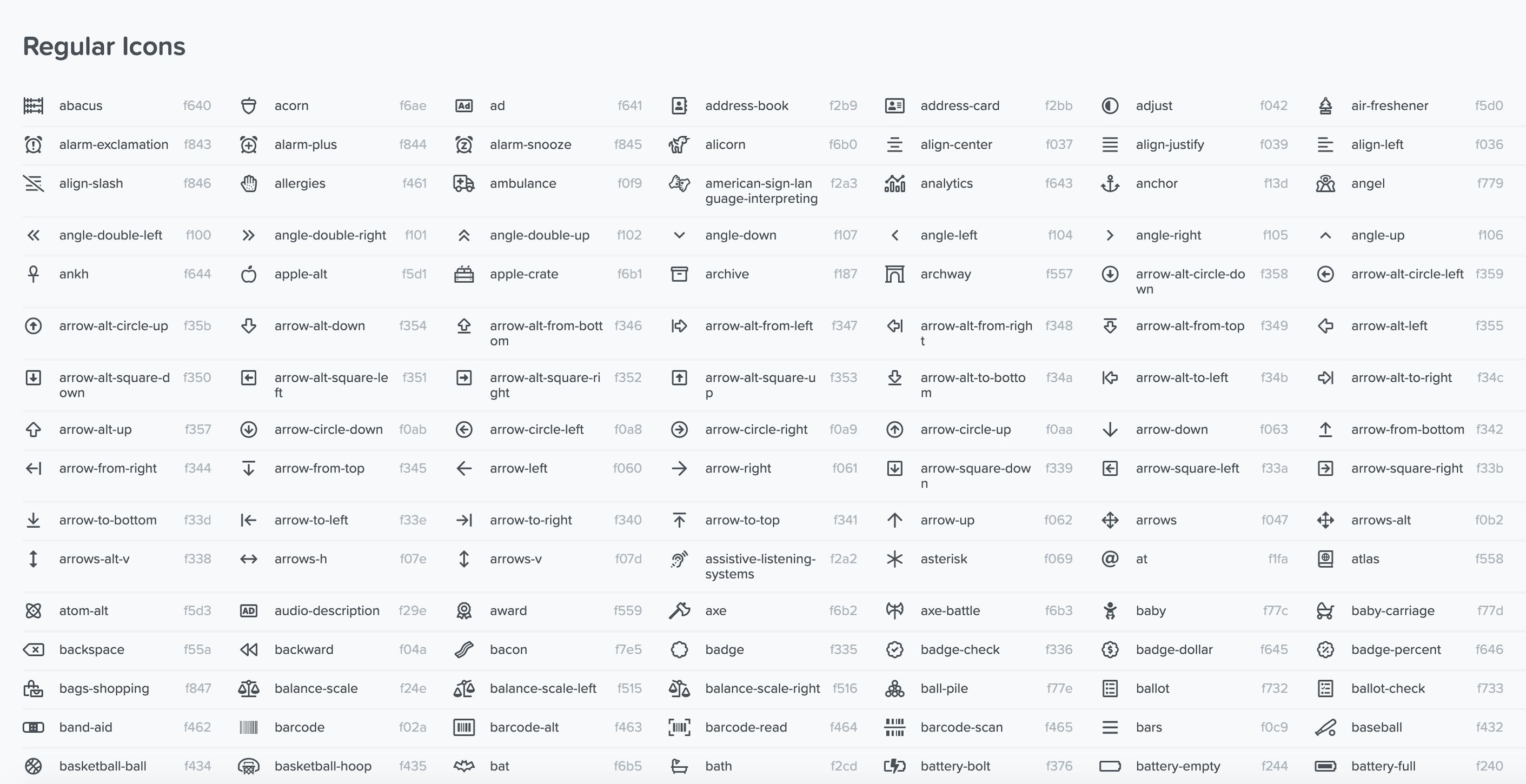
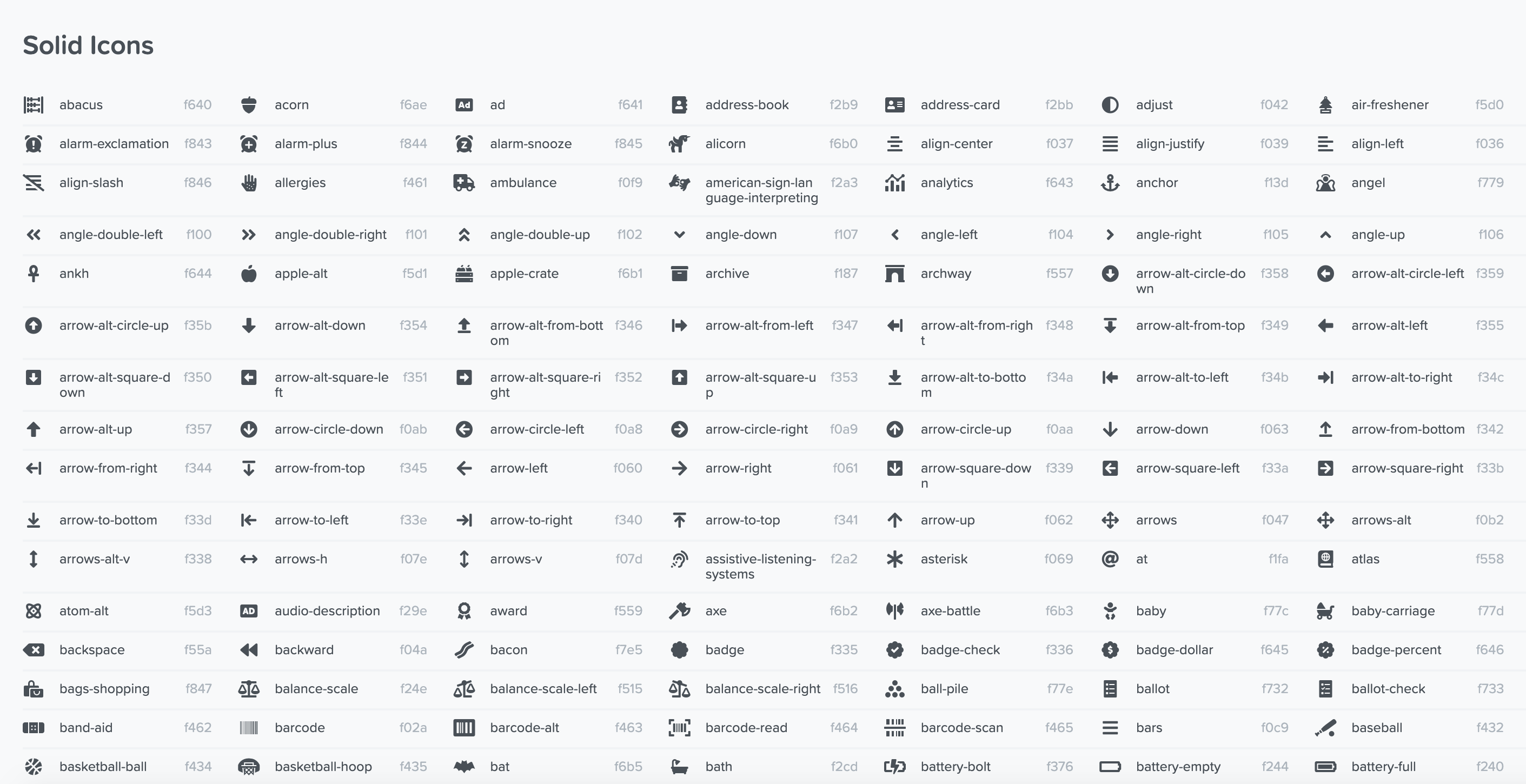
All icons in the UI come from the Font Awesome 5 library .
Regular weight icons should always be used unless the element the icon is used in is in an active or selected state, then solid weight is used.
Set icons
Some icons have set meanings in our UI. Below is the list of icons and their meanings within the Damstra UI.
| Global | Deleting/removing | |
| Locked items | ||
| Log in | ||
| Log out | ||
| Terms & conditions | ||
| Privacy policy | ||
| Product modules | Workforce management | |
| Learning management | ||
| Work management | ||
| Access control | ||
| Health & safety | ||
| Asset management | ||
| Workforce specific | Organisation/client | |
| Worksite | ||
| Company/companies | ||
| Branches | ||
| Subcontractors | ||
| Employees | ||
| Visitors | ||
| Company requirements or documents | ||
| Mobilisation | ||
| Employee documents | ||
| Job titles, roles & tasks | ||
| Qualifications | ||
| Skills | ||
| Medicals | ||
| Medical management plans | ||
| Drug/alcohol tests | ||
| Online training | ||
| Timecards | ||
| Biometrics | ||
| Cards | ||
| Diary notes | ||
| Worksite representative | ||
| Work management specific | Work management | |
| Permits to work | ||
| Work orders | ||
| Management of change | ||
| Access control specific | Terminals | |
| Health & safety specific | Damstra Forms | |
| Damstra Solo | ||
| Pre-starts | ||
| Toolbox talks | ||
Skill status icons
| Status | Icon |
|---|---|
| Valid |
|
| Expiring soon |
|
| Expired |
|
| Not started |
|
| In progress |
|
| Invalid |
|
| Quarantined |
|
| Archived |
|
| Start date in future |
|
| Not complete, due now |
|
| Not complete, due in the future |
|
| Awaiting verification |
|
Language & grammar
All language and grammar guidelines follow Material Design principles.
Be concise
Keep all text in the UI as short as possible. Use simple, direct language that makes content easy to understand.
Communicate only essential details so users can focus on their task.
Addressing users
Address users in either the second person (you or your) or the first person (I, me, or my), depending on which is suitable and clearest for the situation.
Each form of address is recommended for the following contexts:
- Second person, “you” or “your”: This conversational style is appropriate most situations; as though the UI is speaking directly to the user.
- First person, “I” or “my”: In some cases, this form of address emphasizes the user's ownership of content or actions.
Write for all reading levels
Use common words that are clearly and easily understandable across all reading levels.
Avoid industry-specific terminology or names invented for UI features.
Write in the present tense
Use the present tense to describe product behavior.
Numerals
Use numerals ( “1, 2, 3,” not “one, two, three”) unless writing copy that mixes uses of numbers, such as "Enter two 3s.".
Skip unnecessary punctuation
To help readers scan text at a glance, avoid using punctuation in places where it isn’t necessary.
Periods
Avoid using periods on solitary sentences within these UI elements:
- Labels
- Tooltips
- Bulleted lists
- Dialog body text
Use periods on:
- Multiple sentences
- Any sentence followed by a link (links themselves should not be full sentences)
Colons
Skip colons after labels.
Reveal detail as needed
Reveal more detail about features as the user explores them and needs more information.
Use consistent words
Use words in a consistent manner across our UI features.
Capitalisation
Labels identify what a control or element does. They appear either on or near the control itself, such as the text on a button or switch. To refer to a UI control or element, mention it using its label text. (don’t state the type of element or control).
Capitalisation
Capitalise only the first letter everywhere, headers, labels etc. unless a name is present.
Use contractions
Use contraction of words (e.g. can't instead of cannot) to simplify text.
Date & time formats
Dates
| Situation | Format to follow - Not US | Format to follow - US |
|---|---|---|
| Most cases | 1 Jan, 2020 | Jan 1, 2020 |
| With day | Sat, 1 Jan 2020 | Sat, Jan 1 2020 |
| User entering a date | dd/mm/yyyy | mm/dd/yyyy |
| Range, within the same month | 1 – 2 Jan, 2020 | Jan 1 – 2, 2020 |
| Range, within the same year | 1 Jan – 2 Feb, 2020 | Jan 1 – Feb 2, 2020 |
| Range, over different years | 1 Jan, 2020 – 2 Feb, 2021 | Jan 1, 2020 – Feb 2, 2021 |
| Range, with day, within the same month | Sun 1 – Mon 2 Jan, 2020 | Sun 1 – Mon 2, Jan 2020 |
| Range, with day, within the same year | Sun 1 Jan – Tue 2 Feb, 2020 | Sun Jan 1 – Tue Feb 2, 2020 |
| Range, with day, over different years | Sun 1 Jan, 2020 – Tue 2 Feb, 2021 | Sun Jan 1, 2020 – Tue Feb 2, 2021 |
Time
| Situation | Format to follow |
|---|---|
| Most cases | 2:00pm |
| Range | 1:00pm - 4:00pm |
Dates & times
| Situation | Format to follow |
|---|---|
| All cases | 7 Mar, 2026 - 10:00am |
Address formats
Street addresses
| Country | Format to follow |
|---|---|
| Australia |
[1 Test Street], [Suburb/city], [1234], [ACT], Australia |
| New Zealand |
[1 Test Street], [Suburb], [City], [1234], New Zealand |
| United States |
[1 Test Street], [City], [NY], [12345], United States |
| International |
[1 Test Street], [Suburb/city], [1234], [State/region], [Country] |
P.O. box addresses
| Country | Format to follow |
|---|---|
| Australia |
P.O. box [123], [Suburb/city], [1234], [ACT], Australia |
| New Zealand |
P.O. box [123], [Suburb], [City], [1234], New Zealand |
| United States |
P.O. box [123], [City], [NY], [12345], United States |
| International |
P.O. box [123], [Suburb/city], [1234], [State/region], [Country] |
Terminology
| Correct term | Meaning | Previously used | Example |
|---|---|---|---|
|
Enterprise Protection Platform (EPP)
|
The name of the primary product offered by Damstra Technology which is a gateway to all other products |
TWMS
Company Portal
TWMS Portal
The Portal
Employee Portal
|
n/a |
|
Client
|
The organisations who own worksites |
Organisation
Company
|
CPB |
|
Worksite
|
The site that work is performed at |
Site
Project
|
CPB Coffs Harbour Hospital |
|
Terminal
|
A device used for logging in and out of a worksite |
Zone
Location
Log on point
|
n/a |
|
Company
|
A company that contracts to a worksite or holds the permanent employees of a worksite |
Contractor
Contracting company
|
n/a |
|
Employee
|
The individuals who go to the worksites to perform work |
Contractor
Worker
Person
Individual
|
n/a |
|
Job title
|
Set to indicate which activities an employee will be performing on site |
Role
Work activities
Tasks
|
Boilermaker |
|
Crew
|
A group of employees | n/a | n/a |
|
Shift
|
A span of time an employee spends on a worksite between logging in and out | n/a | n/a |
|
On site
|
Term used when referring to things that take place on a worksite |
Onsite
On-site
|
n/a |
|
Branch
|
A subsection of a company | n/a |
Singleton branch of Damstra Technology Newcastle branch of Damstra Technology |
|
ID
|
The employee ID number printed on Employee Damstra cards |
Damstra ID
Badge ID
Employee ID
User ID
|
|
|
Login
|
Used when referring to the name of an account or page |
Signin
Logon
|
Login account Login page |
|
Log in
|
Used when describing the action of logging in either via an app or webpage |
Sign in
Log on
|
Log in now |
|
Log out
|
Used when describing the action of logging out via an app or webpage |
Sign out
Log out
|
Log out and try again |
|
Log on
|
Used when describing the record of an employee or visitor entering a worksite |
Sign in
Log in
Punch in
Punch on
Clock in
Clock on
|
Log on to site Log on time |
|
Log off
|
Used when describing the record of an employee or visitor exiting a worksite |
Sign out
Sign off
Log out
Punch out
Punch off
Clock out
Clock off
|
Log off of site Log off time |
|
User role
|
Set against login accounts to determine what features and functionality as well as the level of data that user should have access to |
Access level
Access rights
Permission level
|
View Level 1 |
|
Custom permissions
|
Additional permissions that can be added on top of a user role to allow that user access to extra functionality |
Permissions
|
User can view timecards |
Damstra Solo terminology
| Correct term | Meaning | Previously used | Example |
|---|---|---|---|
|
Solo Platform
|
The name of the web system for Damstra Solo |
Web Portal
Web Platform
Web Portal Platform
|
n/a |
|
Solo Mobile
|
The umbrella term for all of the mobile apps for Damstra Solo |
Mobile apps
|
n/a |
|
Solo Wearables
|
The umbrella term for all of the watch operating systems and any future wearable devices e.g. lanyards for Damstra Solo |
Watches
Watch app
|
n/a |